
Section outline
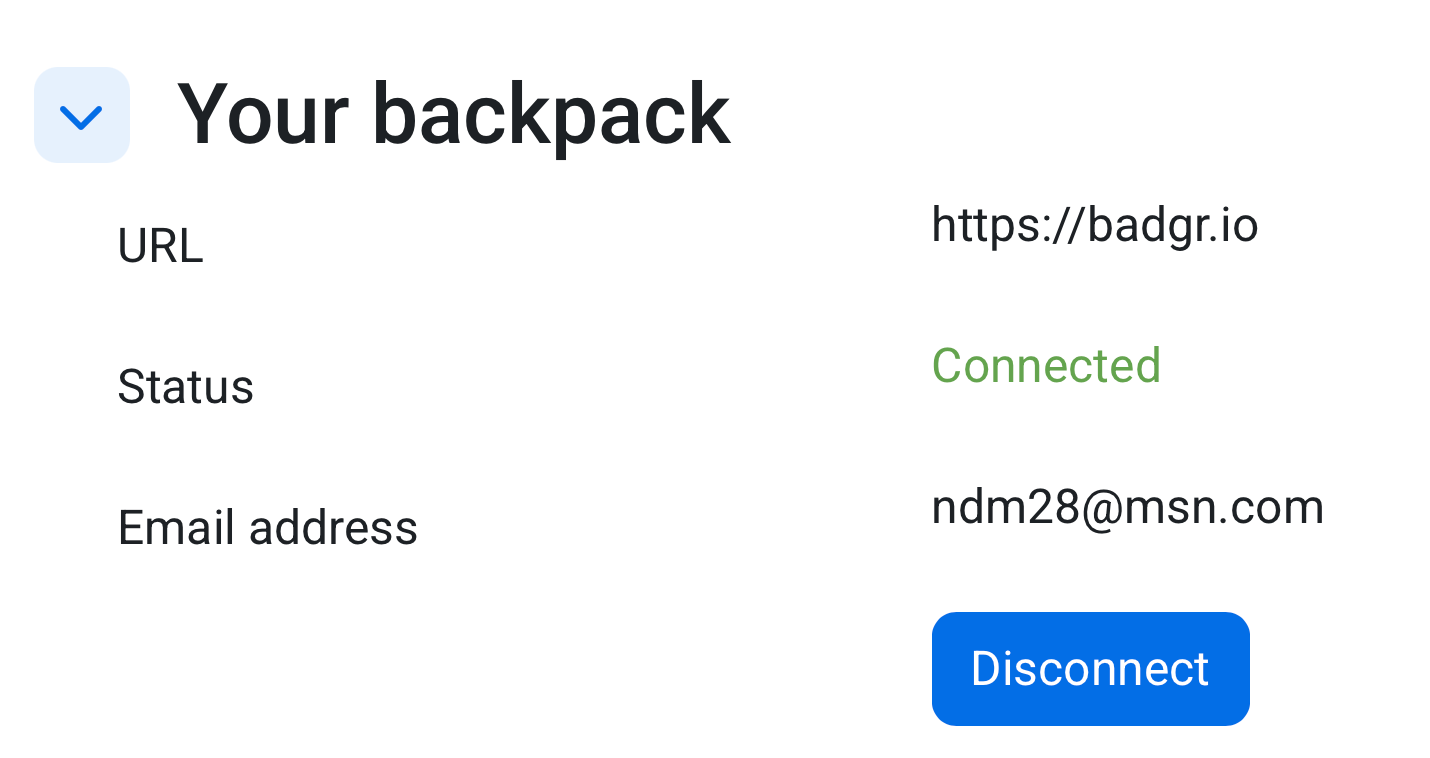
In this forum, you will connect your badge backpack in Moodle so you can store and share your badges. After connecting your backpack, you will create a screenshot showing your backpack connected in your profile on Moodle.
How to Connect your backpack to Moodle
- Click your profile picture.
- Click Preferences.
- Click Badges.
- Click Backpack settings.
- Click Connect to a backpack.
- Enter your backpack email address.
- Follow the verification steps sent to your email.
- Confirm the connection.
- Get a screenshot and paste it in your post. Here's one of mine.
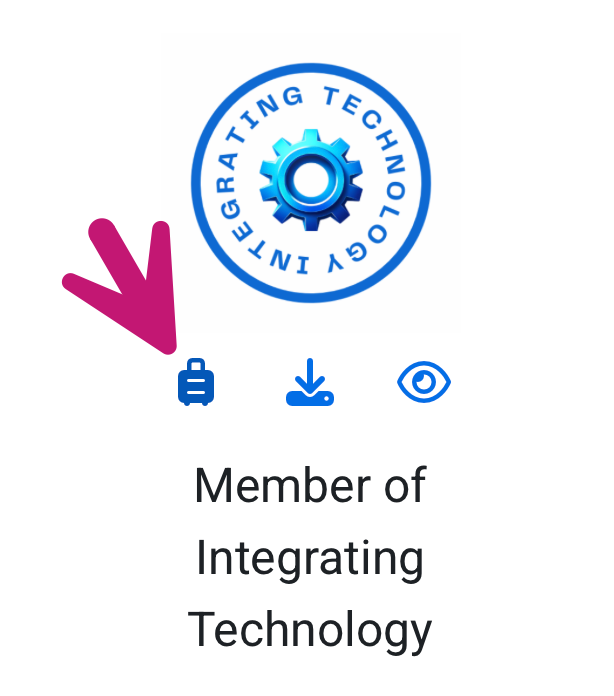
Add your first badge to your backpack.
Your backpack is now connected, and you can push your badges to it.
Completion requirements:
- Receive a grade
- Receive a passing grade
This forum allows each person to start one discussion topic.
| Status | Discussion | Started by | Last post | Replies | Actions |
|---|---|---|---|---|---|
|
Locked
|

|
|
4 |
|
|
|
|
|
4 |
|
||
|
Locked
|

|
|
3 |
|
|
|
Locked
|

|
|
3 |
|
|

|
|
3 |
|
||
|
|
|
2 |
|
||
|
Locked
|
|
|
1 |
|
|

|
|
1 |
|
||
|
Locked
|

|
|
1 |
|
|

|
|
1 |
|
||
|
Locked
|

|
|
1 |
|
|

|
|
1 |
|
||

|
|
1 |
|