

Hello all,
I added Module Resources but it seems I did not follow the instructions above.
I clicked "Text and Media Area" and added my resources. But I found in the "completion conditions" this:

Here is my walkthrough video:
Hi Janet,
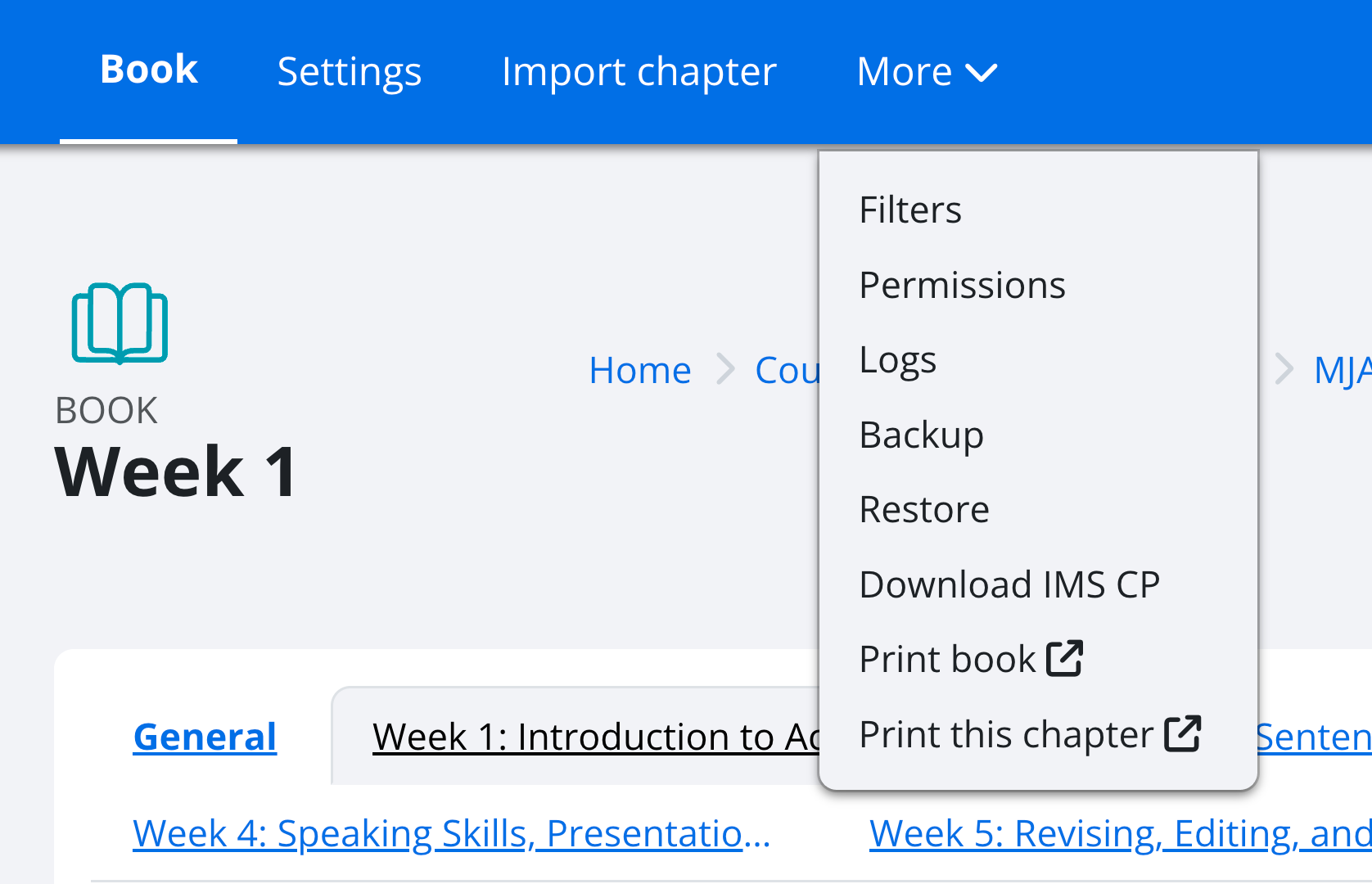
You tried your best, but you're going to do great!!! Instead of adding a long scroll with the text resource, try using the book resource. Students can print and download it. It worth while spending time with the book. The text and media is just for a title and maybe video, but not for images, either. It's too much on the eyes
Hello Dr.
I really tried but I a little bit lost. I am spending a lot of time and I do not know what to do. It seems that I am not going to continue this course.
Thank you
Hi Janet,
Please do not give up yet. What you've done is fine. Please go on and take things one step at a time. You do not need to do everything perfectly. You've done amazing work with the labeling and adding your content. The steps will get easier.
I am here to support you, and I truly believe you can do this. Learning Moodle takes patience and practice, but you are already trying, and that is important. Please let me know which part is confusing you most, and I will guide you step by step.
Hi Dr.
My main problem is organizing the different sections.
Your sections look great, Janet.

Thank you for sharing your walkthrough video, Janet.
AI for educators, Moodle tips, and practical teaching strategies.
Visit Channel