
Konnichiwa and hi-hi, all, in this forum as well now! 🌷🌹
It looks like someone's new video-walkthrough recorded with the help of Filmora is ready to say hi here already too... 🤠🙂
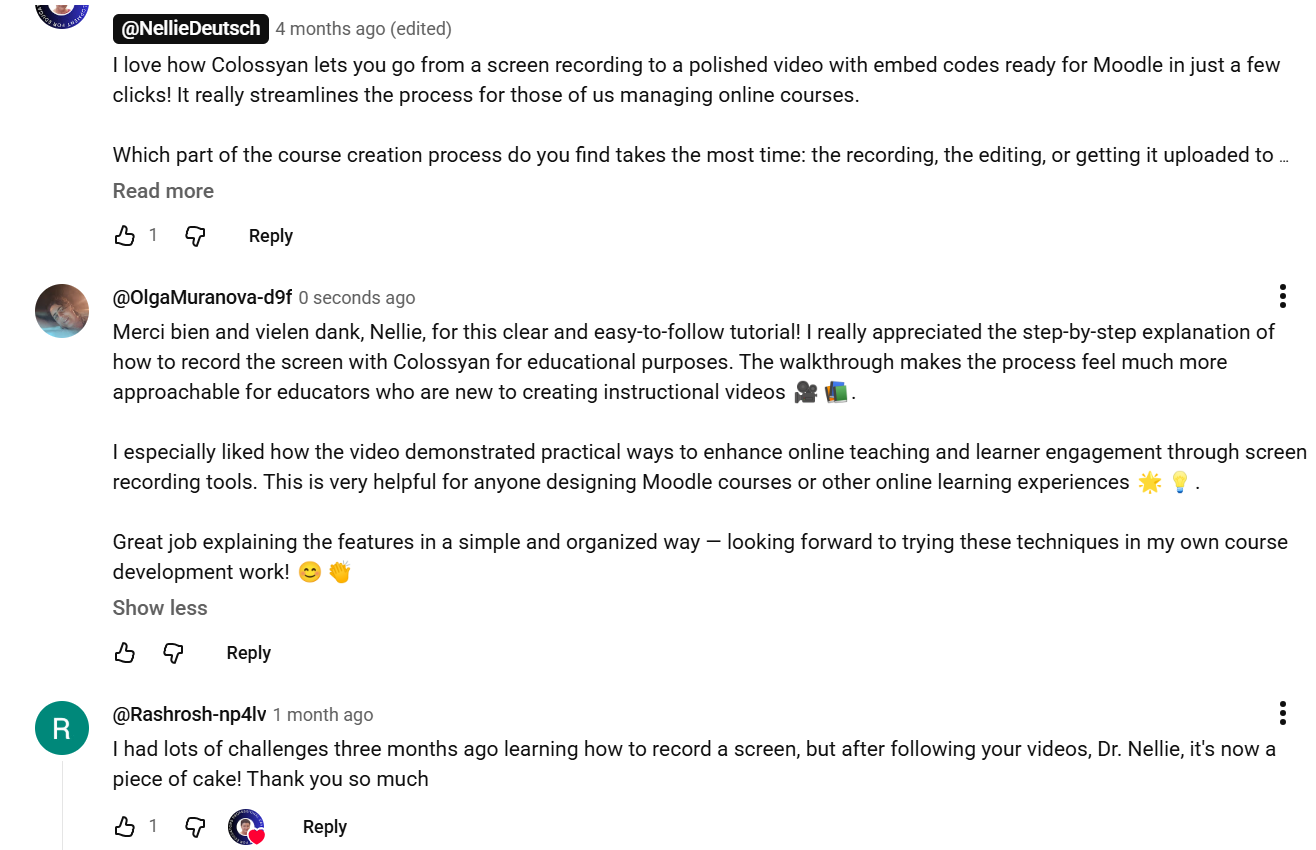
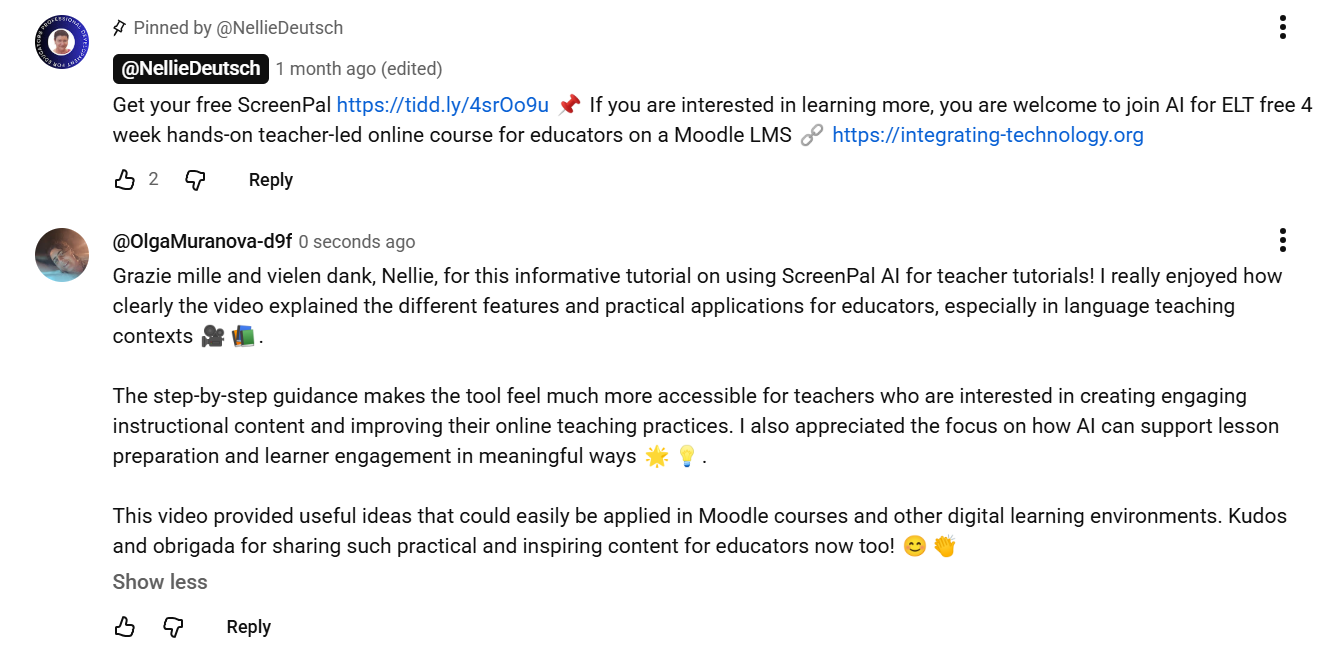
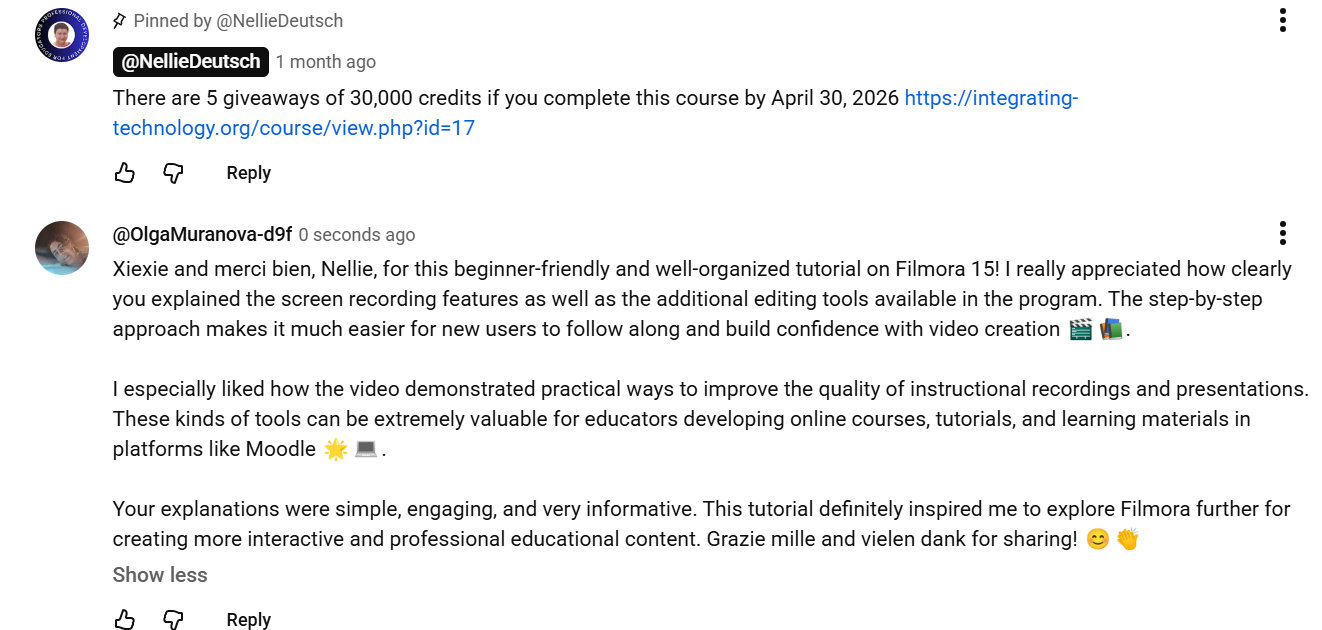
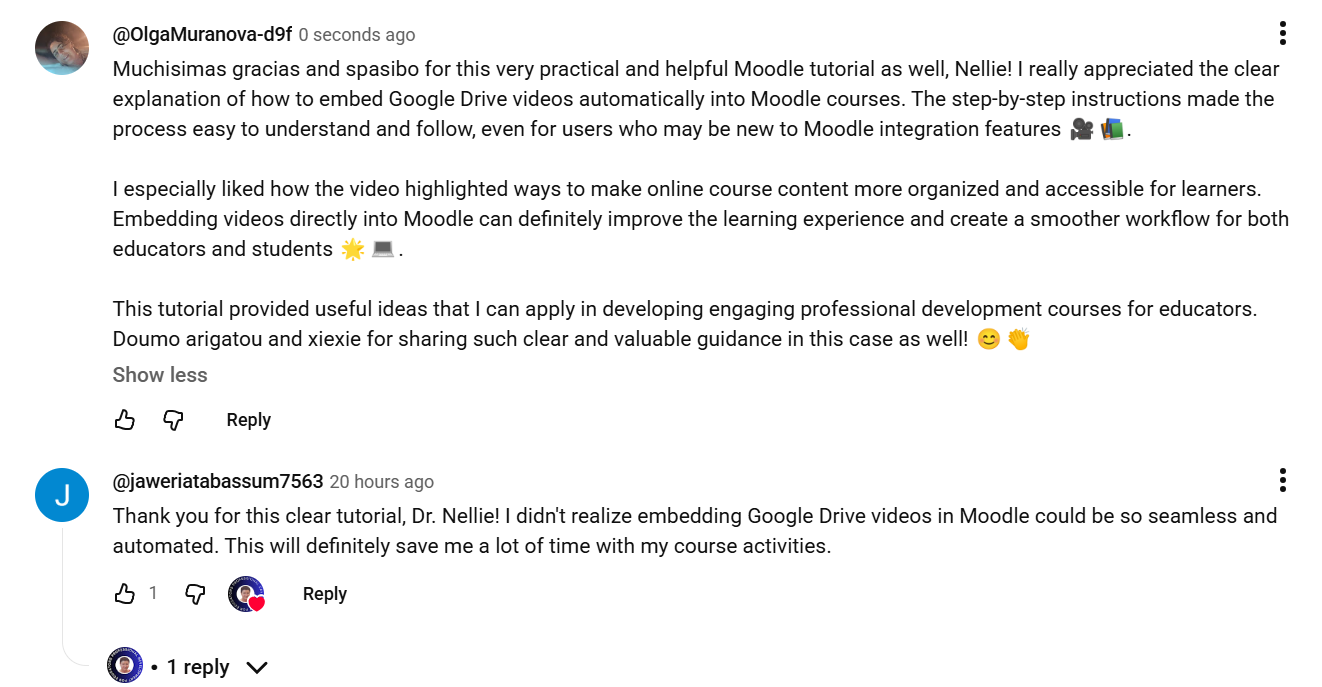
As can be inferred from these someone's super-mega-"freshly-baked" comments on YouTube videos listed in the prompt for this activity, those super-handy and mega-practical video-tutorials were definitely of much use in the process of recording this new screencast video as well 🦗🐜:
Coming back to that new resulting video-walkthrough for some time again now, it seems to be already visible by this time below too, I guess... 🤡😺:
Moodle Learner and Course Creator Profile Comparison Video-Walkthrough
It's probably not difficult to guess that in this fresh video-walkthrough, somebody here was exploring the differences and similarities between the learner/participant and course creator/educator profiles in Moodle, which can always be easily found in Moodle after accessing the dropdown menu next to the profile image at the top right of the course page, yep 📚💻.
From the learner/course participant perspective, the interface appeared simpler and more focused on accessing course content and participating in learning activities. The available options included Accessibility, Profile, Grades, Preferences, and Log out. As a participant, I was mostly focused on viewing learning materials, tracking grades, managing personal settings, and engaging with course activities. I noticed that the learner experience depends greatly on how clearly the course is organized and how easily resources can be accessed 😊✨.
From the course creator/educator perspective, I observed additional administrative and instructional tools that support course management and learner support. In addition to the standard profile options, course creators/educators can access features such as “Switch role to …,” which allows them to view the course from a student perspective. This role provides greater control over editing course content, organizing learning activities, managing assessments, monitoring participation, and supporting communication within the course environment 🌿📖.
Comparing these two perspectives helped me recognize the importance of designing Moodle courses that are not only functional for instructors but also intuitive and engaging for learners. It also highlighted how course creators need to balance content organization, accessibility, interaction, and technical management to create effective online learning experiences 💡🌟.
At the same time, recording this video-walkthrough strengthened my confidence in navigating Moodle and deepened my understanding of how different user roles shape the online learning experience 🎥🤝.
Muchisimas gracias and merci bien in advance for watching this ~11 minute-long video-walkthrough if you'd be interested in that then too! 🤗🥳
