
Section outline
In this activity, participants will summarize their posts using UPDF after accessing the complete report in their profiles and saving it as a PDF file. They will use Colossyan to generate a presentation video of the summary that includes at least 5 scenes and share the video.
How to Access the Complete Report, Print as PDF
How to Summarize PDF with UPDF
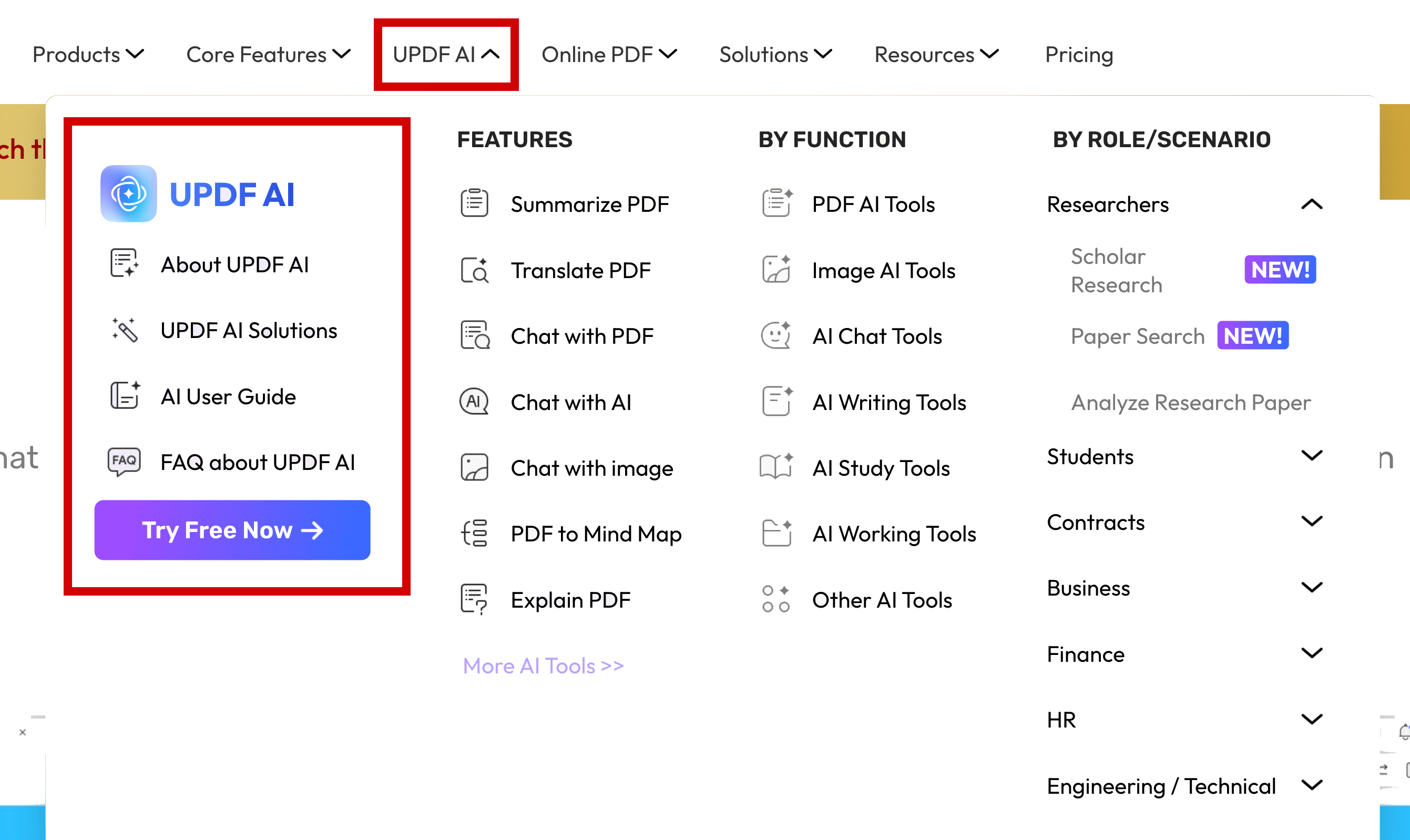
Use the UPDF AI (no downloading required) after you create your account. This screenshot may help.
How to Create a Video Using Colossyan
Step 1: Access and Save Your Complete Activity Report
- Navigate to Moodle and access the "Complete Report" of all your forum posts. Make sure you're in AI for ELT not anywhere else.
Completion requirements:
- Receive a grade
- Receive a passing grade
This forum allows each person to start one discussion topic.
| Status | Discussion | Started by | Last post | Replies | Actions |
|---|---|---|---|---|---|
|
Locked
|

|
|
1 |
|
|

|
|
2 |
|
||
|
Locked
|

|
|
1 |
|
|
|
Locked
|
|
|
2 |
|
|
|
|
|
2 |
|
||
|
Locked
|

|
|
1 |
|