
Hello everyone,
Here is an update on my Week 1 Moodle development environment setup:
🔵 Sandbox Access: Confirmed, I can sign in to my Webuzo control panel and navigate File Manager.
🔵 Terminal Access: Confirmed, I can open and run commands in the server terminal.
🔵 Softaculous: Located in the control panel and used to install Moodle.
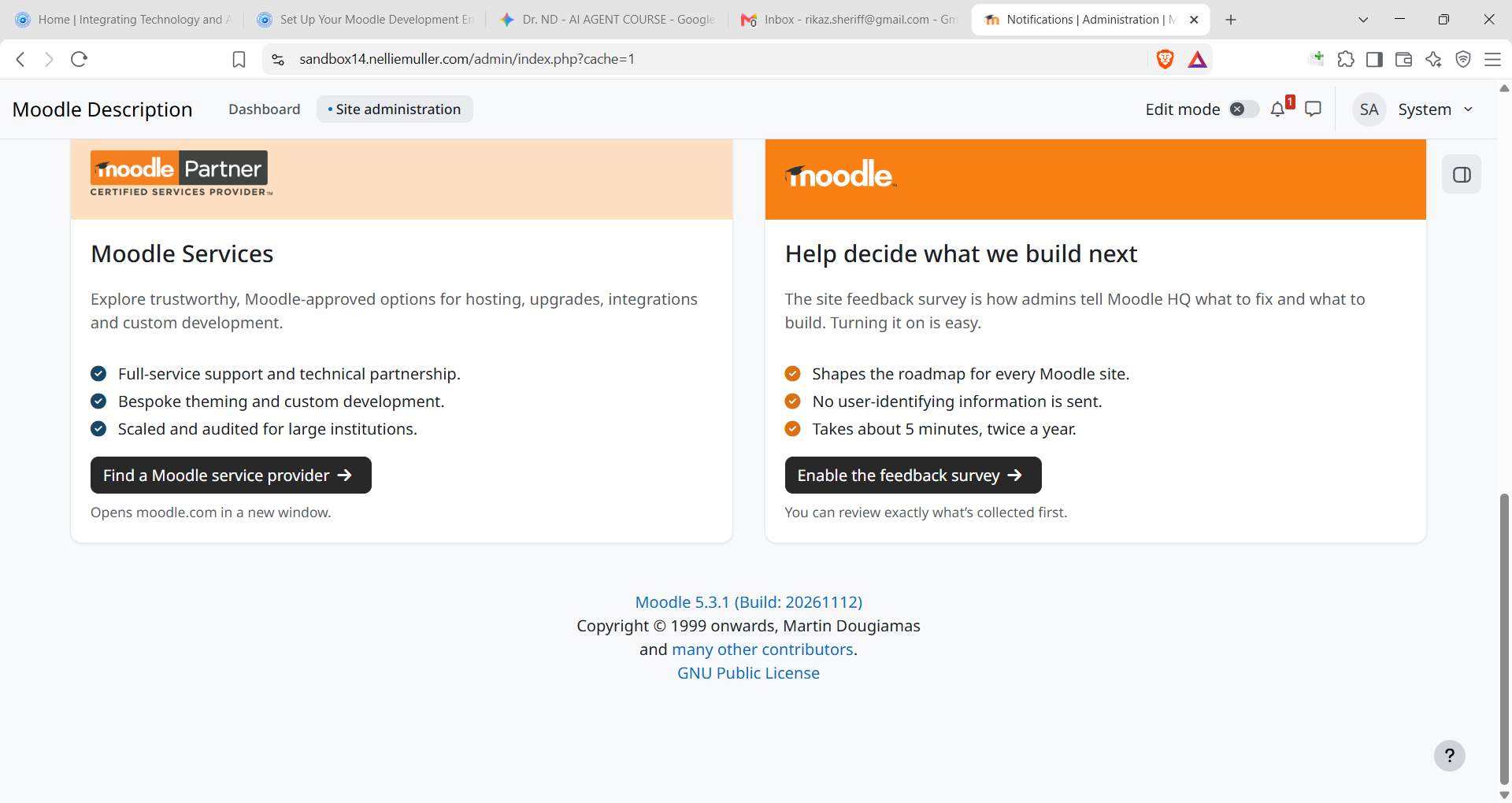
🔵 Moodle Version Installed: Moodle 5.3.1 (Build: 20261112)
🔵 Moodle Site URL: https://sandbox14.nelliemuller.com
Challenge and Resolution:
Initially, Softaculous blocked the Moodle 5.3 installation because the server was running PHP 8.2 instead of PHP 8.3+. After the PHP version was updated to 8.3 and Moodle installed, I ran into an admin login issue. I resolved it by checking my username in phpMyAdmin and running Moodle's built-in CLI script (php admin/cli/reset_password.php) in the terminal to reset the admin password cleanly.
My Moodle development environment is ready for the next step.