
Adding an Image to the Moodle Course Banner

Adding an Image to the Moodle Course Banner

by Jurix Rivero -
Number of replies: 2

Hello everyone,

I created a simple Moodle course overview image (540Γ—304px) with a clean white background to visually represent the main purpose of the course. To design it, I used the platform Enter.pro, which allowed me to quickly build a clear and minimal visual concept suited for an online learning environment.

The final image was intentionally simple, focusing on clarity and immediate recognition of the course theme rather than complex design elements. It was then applied to the course available atΒ Cambridge B2 First: Calm & Confident Exam Preparation, ensuring consistency with the overall structure and presentation of the learning space.
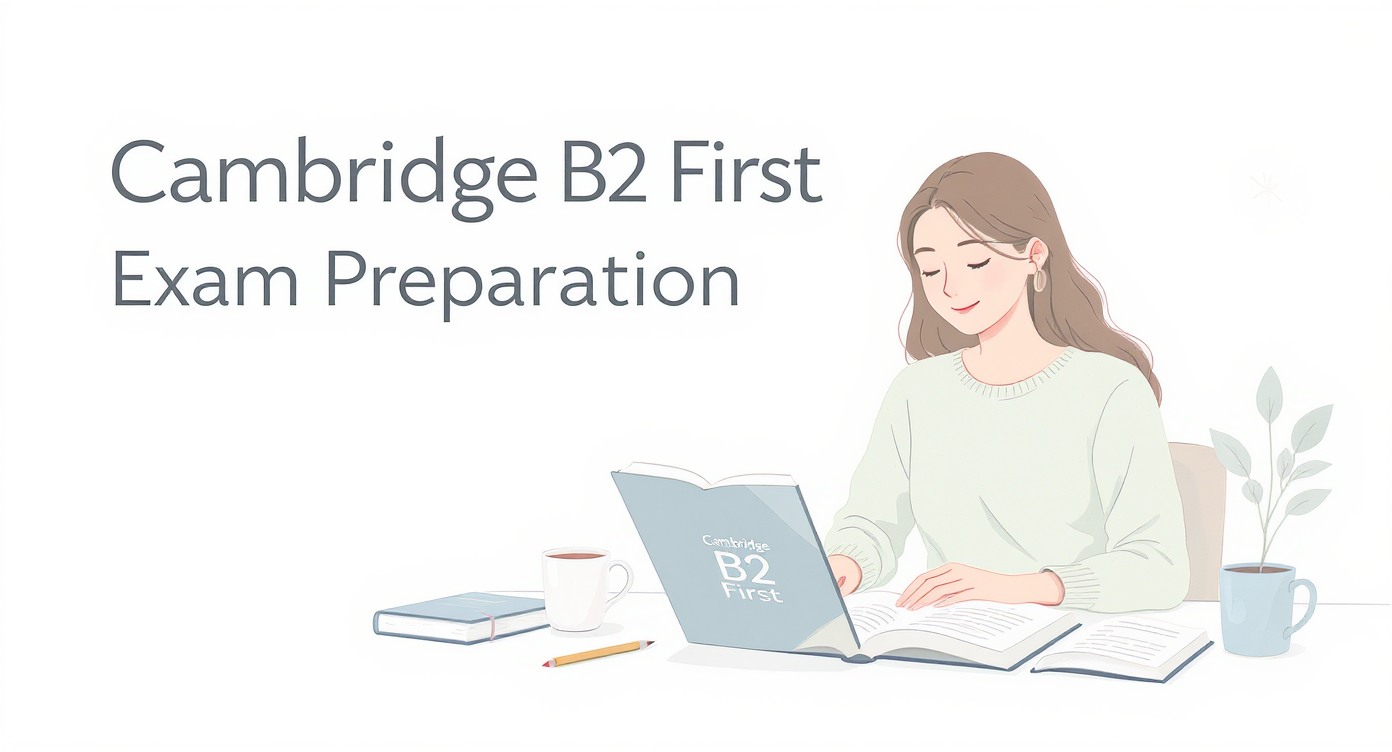
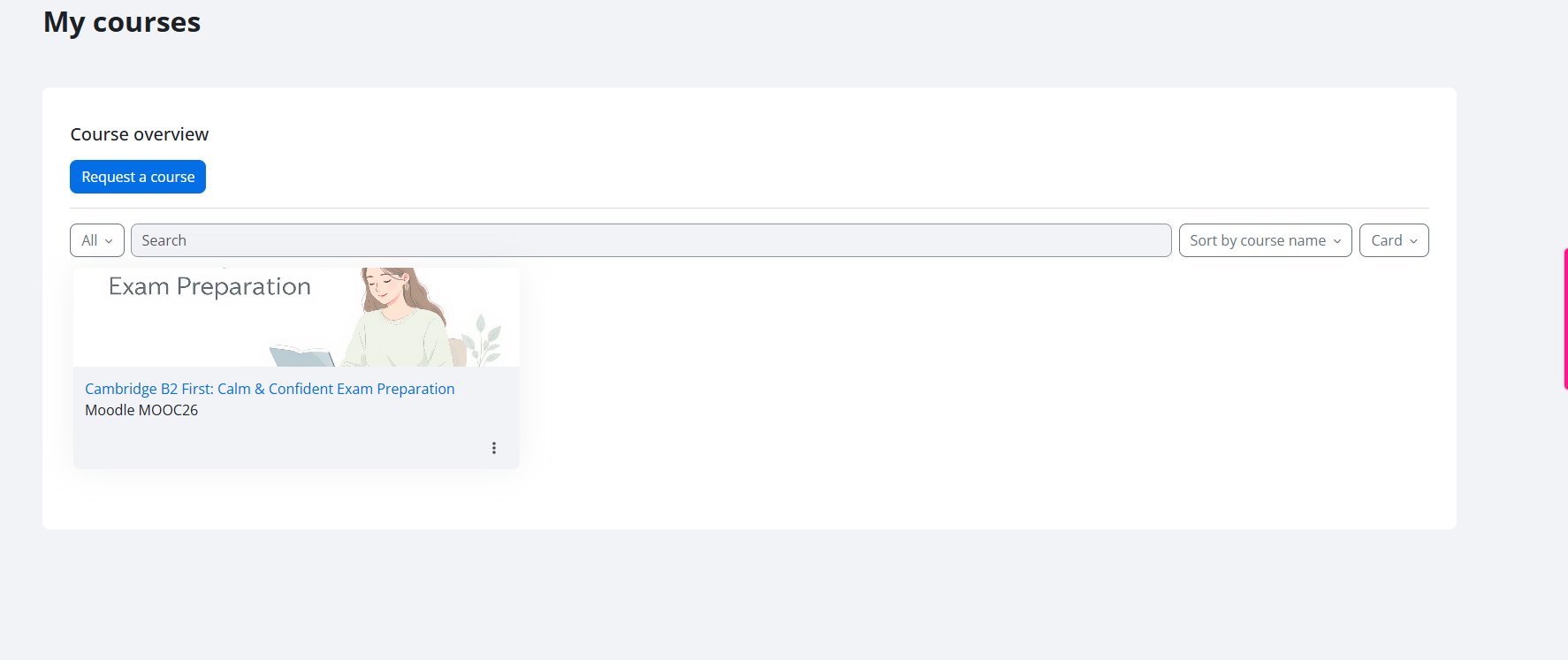
There is a woman reading a book about B2 Cambridge preparation in a calm place.

This was another one I generated by using https://enter.pro/ four days ago.

There is a student, a boy, who is reading a book about Cambridge B2 First. He is smiling and has a cup of tea near him on the desk.

In reply to Jurix Rivero

Adding an Image to the Moodle Course Banner

by Cecilia Fernandez -

Hello Jurix!

Both images are nice. How descriptive were the prompts you used?Β 

Personally, I prefer the first one, I like the drawing style.

In reply to Cecilia Fernandez

Adding an Image to the Moodle Course Banner

by Jurix Rivero -

Hi, Cecilia.

Please, accept my apologies for this late reply.

My prompts were created based on the style I wanted to convey, combined with the main idea of ​​the course itself. I love the color combinations related to blue (which is my favorite) to give a sense of calm without emphasizing the academic aspect of the course topic.

Thank you for taking the time to detail the images created.

Kind regards,Β 

Jurix