
Moodle Course Banner/Thumbnail Image Creation: A Video-Walkthrough & Reflection

Moodle Course Banner/Thumbnail Image Creation: A Video-Walkthrough & Reflection

by Olga Muranova -
Number of replies: 2
Ciao-ciao and hi-hi, all, in this forum now too! 🌎✨
 
We can assume that someone's walkthrough video demonstrating the highly intriguing process of designing and uploading a custom Moodle course image using Enter.Pro and then adding it to someone's Intercultural Pragmatics & Communication Moodle Online Course settings is ready to say hi here by this time as well 😊🎥:
 
 
Below is the course banner/thumbnail image that Enter.Pro eventually (after someone's mini-conversation/mini-dialogue with the agent in the chat there and a few agent's attempts to change the image based on this someone's related questions and suggestions) helped somebody here come up within this super-mega-creative activity now. I decided to use a white background there because I felt it matched the overall style and the theme of the course better 🖼️🎨:
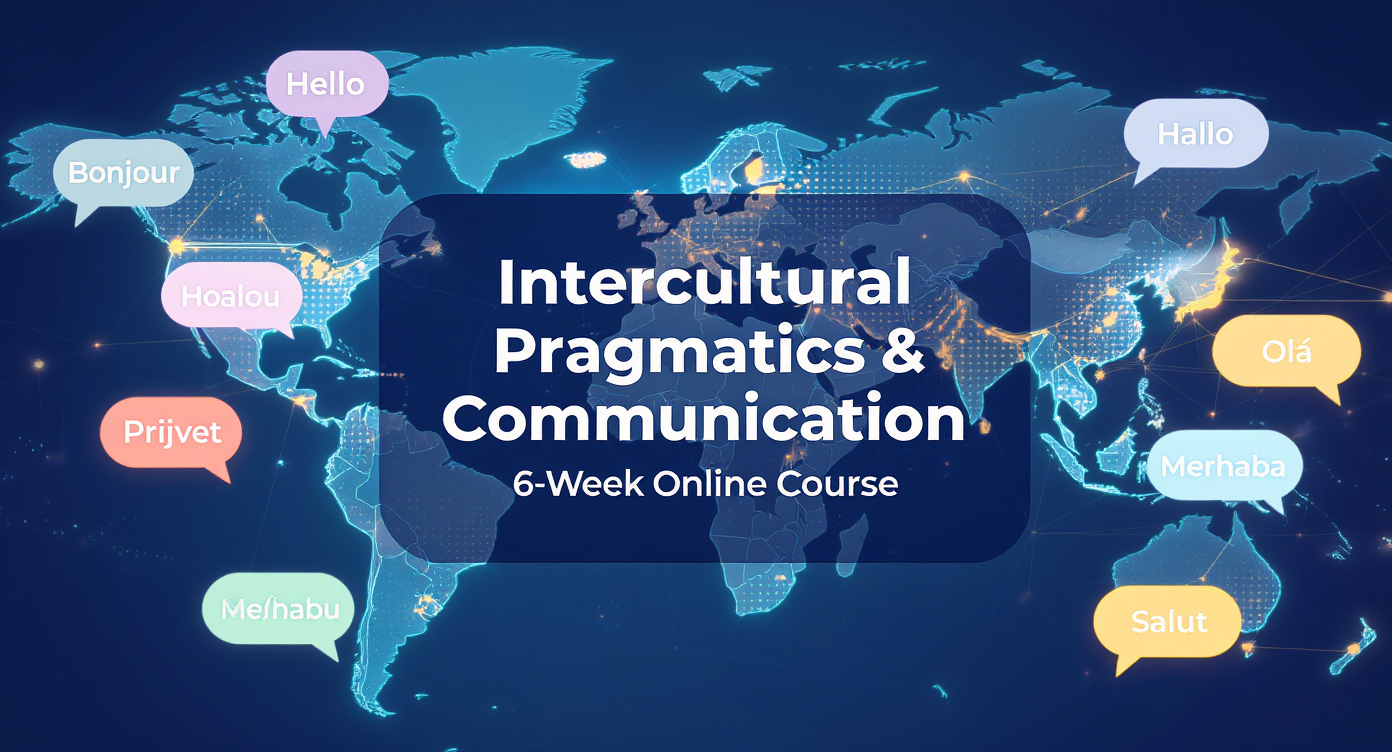
 

It's the "Intercultural Pragmatics & Communication" Moodle Online Course image.

At least just in case, here is also the screenshot of the new course image and the description of the course available on the Home page of the Online Courses for Free website at this time too 🧐😎:
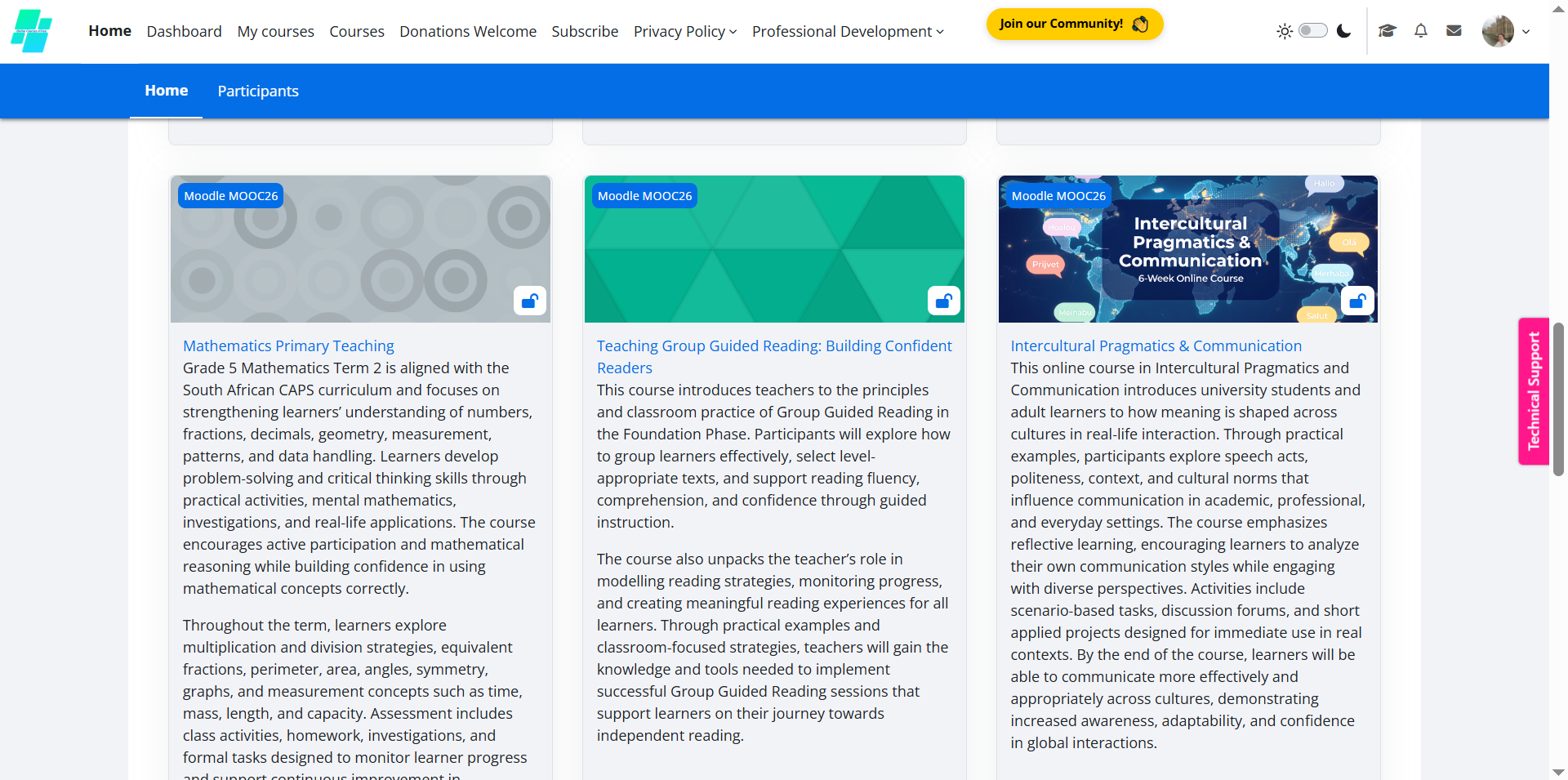
 
It's the "Intercultural Pragmatics & Communication" Moodle online course image and description screenshot.
 
During this process, I learned more about creating visually appealing course materials and ensuring that images are formatted correctly for Moodle. I also found it helpful to practice recording a step-by-step walkthrough and explaining the process clearly for viewers 📚💻.
 
One initial mini-challenge I experienced was making sure that the image dimensions and upload settings matched Moodle’s requirements, but after reviewing the instructions and the prompts provided by Enter.Pro, I was able to figure out those small(er) things quite easily, oh yeah!.. ✅😊
 
Overall, this activity helped me better understand some things related to course presentation, multimedia integration, and the importance of creating a user-friendly learning environment for students, yep 🌟👩‍🏫.
 
Looking forward to continuing planning the content of the emerging Intercultural Pragmatics & Communication Moodle online course itself in the next few Week 3's activities as well 🌻🌼.
 
"See" you all somewhere not far from here/around here already rather soon from now hopefully for at least 1,000% and even more for super-mega-sure too and cheers! 💐🌺🏵️🌱
 
                 Tons of fresh Moodle-promoted and Moodle-encouraged highly "creatively enlightening + inspiring" late spring/pre-summer sunny vibes and fluids 🍹🍰,
                                                                                                                                                                                                                                                                                                            Olga.
In reply to Olga Muranova

Moodle Course Banner/Thumbnail Image Creation: A Video-Walkthrough & Reflection

by janet ayoub -

Hi Olga,

I really enjoyed reading your reflection and seeing the creative course image you designed. The white background looks very professional and clean, and I liked how you explained the whole process step by step. I also faced some small challenges while using Enter.Pro at the beginning, so I completely relate to your experience.

Your walkthrough video and reflections clearly show your creativity and engagement with the activity. Well done! 😊

In reply to janet ayoub

Moodle Course Banner/Thumbnail Image Creation: A Video-Walkthrough & Reflection

by Olga Muranova -

Ciao-ciao and hi-hi here now too, Janet! 😀🤩

Merci bien and grazie mille for your fresh super-kind and mega-encouraging feedback! I’m really happy to hear that you liked the course image design and the clean white background choice. I would prefer the course to look simple, professional, and welcoming for its potential participants, oh yeah!.. 🌿✨

I also appreciate you sharing that you experienced some challenges with Enter.Pro at the beginning. It honestly made me feel more confident knowing that others were learning through similar experiences too. Even though there were a few difficulties, I enjoyed exploring the platform and learning new creative tools throughout the process 😊💡.

Your supportive words about someone's super-mega-"freshly-baked" walkthrough video and reflections truly mean a lot to somebody here in this case as well. Muchisimas gracias and merci bien again for taking the time to watch the video and to read the post as well as to share a related super-thoughtful comment here now! I also enjoyed reading your highly intriguing ideas and super-thought-provoking reflections related to this activity! 🌸🙌

Good luck and much "highly creative + intellectual" - and especially real - fun with building your emerging Moodle course as much as possible then hopefully for super-mega-sure too and cheers! 🌞✨🌟💥

               Tons of fresh highly "creatively enlivening + inspiring" Friday sunny vibes and fluids 🦜🐦,

                 Olga.