
Hi Janet,
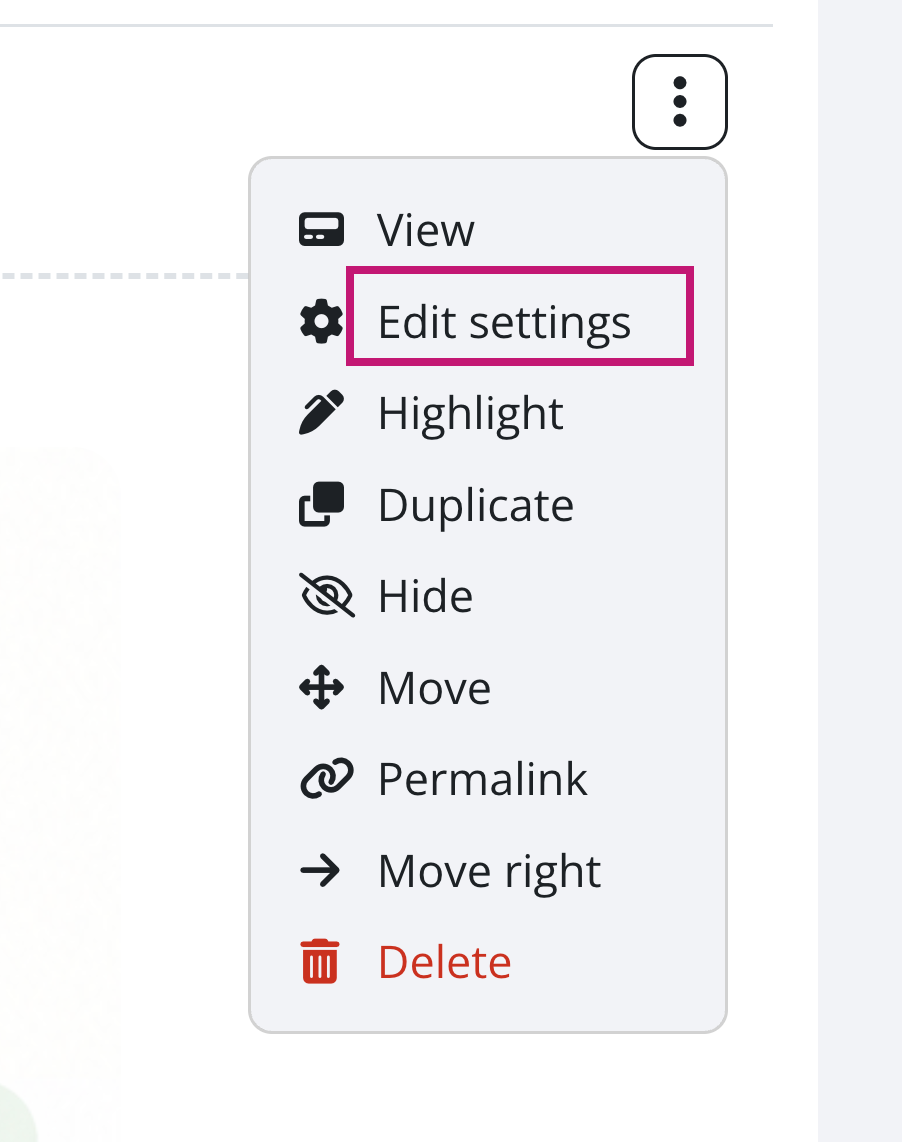
You will need to scroll down a bit. It's above the highlight.
Hello all,
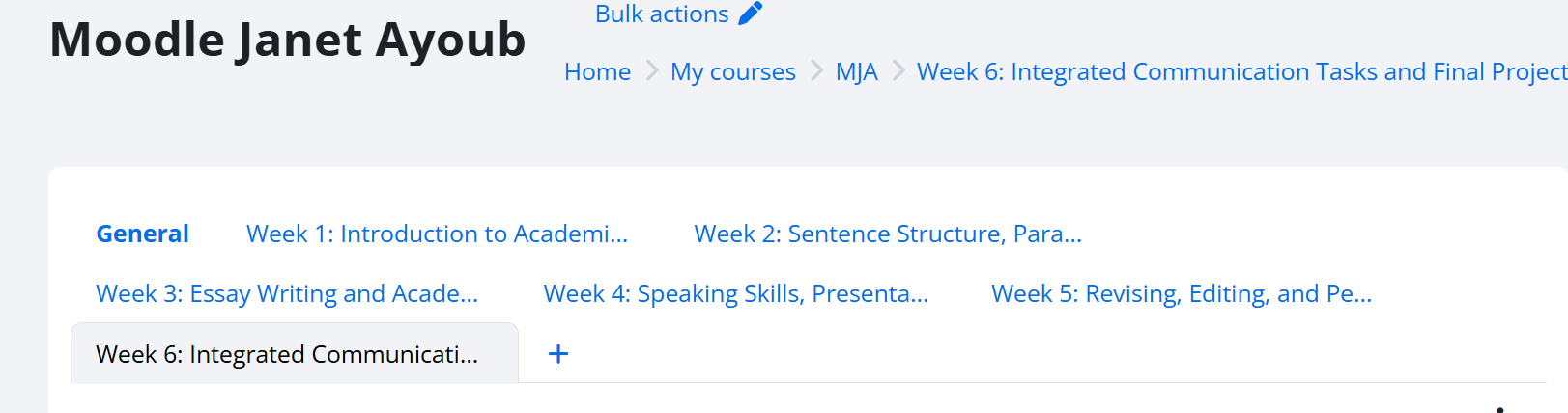
In this activity, I worked on organizing the layout of my Moodle course and labeling the six weekly sections using several AI tools such as Claude, Gemini, Microsoft Copilot, Perplexity, Canva Course, and Coursebox 😊📚.
At the beginning, I had some difficulty finding the “Edit settings” option inside the course sections, especially while navigating Moodle’s editing tools. However, after exploring the platform more carefully, the process became much clearer and easier to manage 💻✨.
The AI tools were very helpful in generating ideas for organizing the course structure, sequencing the weekly topics, and creating clearer section labels. Claude was particularly useful because it helped me organize the course flow and weekly learning progression in a simple and structured way. Canva Course also helped me think more visually about the course layout and learner experience 🌍🛠️.
Through this activity, I started to better understand how important course organization and section labeling are for learner navigation and engagement in online learning environments. I also realized that building a Moodle course requires both technical exploration and thoughtful instructional planning.
Overall, this activity helped me feel more confident using Moodle and gave me a better understanding of how AI tools can support course design, organization, and learner-centered online teaching 😊🎓
Hi Janet,
AI for educators, Moodle tips, and practical teaching strategies.
Visit Channel