
Section outline
In this activity, you will develop your course, its layout, and label each of the 6 sections with the help of the following AI tools.
AI Tools to Generate your Course Layout and Label the Topic Sections
Instructions
- Go into your course. You will find it by accessing My courses.
- Turn "Edit mode" on on the top right hand side of the course.
- Go into each section (three dots) and "Edit settings" .
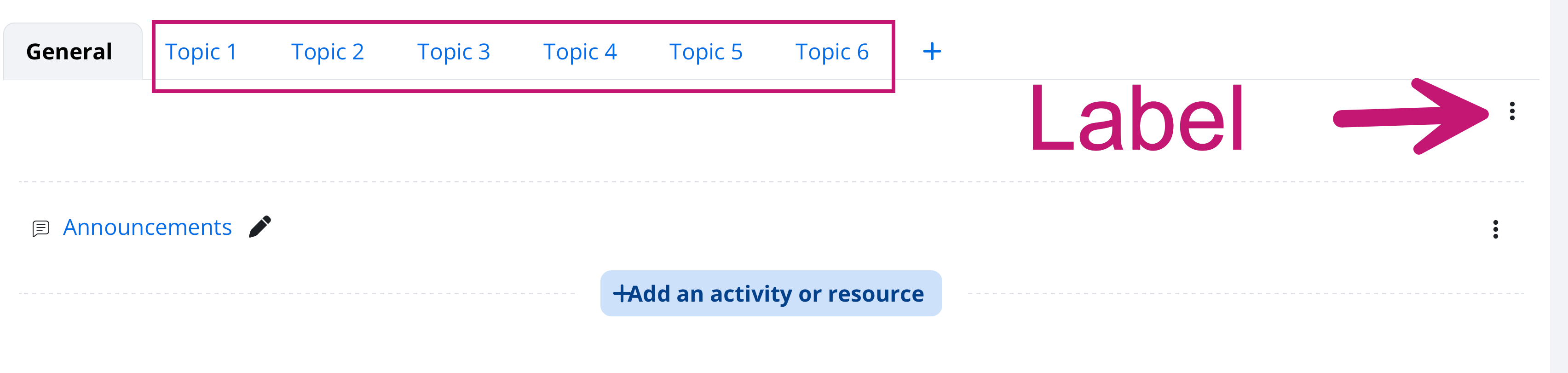
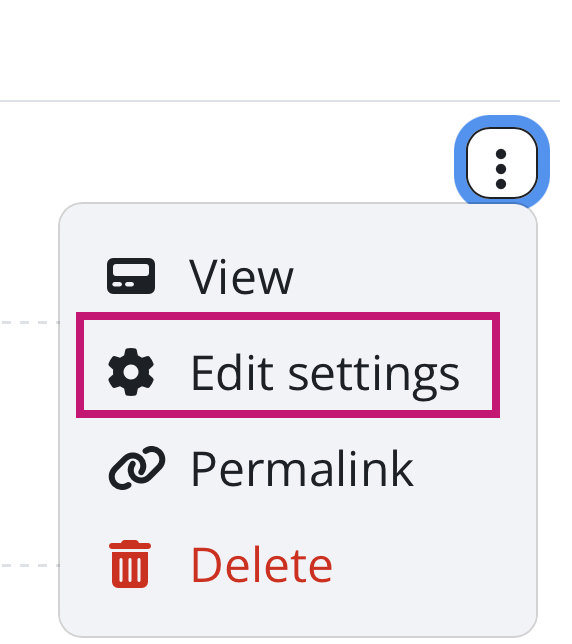
- Label the sections according to this format.
Week 1: Introduction
Week 2:
Week 3:
Week 4:
Week 5:
Week 6: Showcase and Reflect
- Share a screenshot of the labels of your course sections and the link to your course.
This forum allows each person to start one discussion topic.
There are no discussion topics yet in this forum.