
Font size
  • A-
  • A
  • A+
Site color
  • R
  • A
  • A
  • A
Skip to main content
Join our Community! 👋
Integrating Technology Integrating Technology
  • Home
  • Calendar
  • About
  • Courses
  • Donations Welcome
  • Subscribe
  • Moodle Training Practice
    Online Courses for Free Blended Online Learning Admin Training
  • Privacy Policy
    Privacy Policy Terms of Service Data Deletion Instructions
  • More
You are currently using guest access
Log in
Integrating Technology
Home Calendar About Courses Donations Welcome Subscribe Moodle Training Practice Collapse Expand
Online Courses for Free Blended Online Learning Admin Training
Privacy Policy Collapse Expand
Privacy Policy Terms of Service Data Deletion Instructions
Expand all Collapse all
  1. Home
  2. Courses
  3. May
  4. Create Moodle Activities and Resources with AI
  5. Week 4: Showcase and Reflect
  6. Showcase Coursework (Week 4)

Showcase Coursework (Week 4)

In this activity, participants will summarize their posts using UPDF after accessing the complete report in their profiles and saving it as a PDF file. They will use Colossyan to generate a presentation video of the summary that includes at least 5 scenes and share the video.

How to Access the Complete Report, Print as PDF

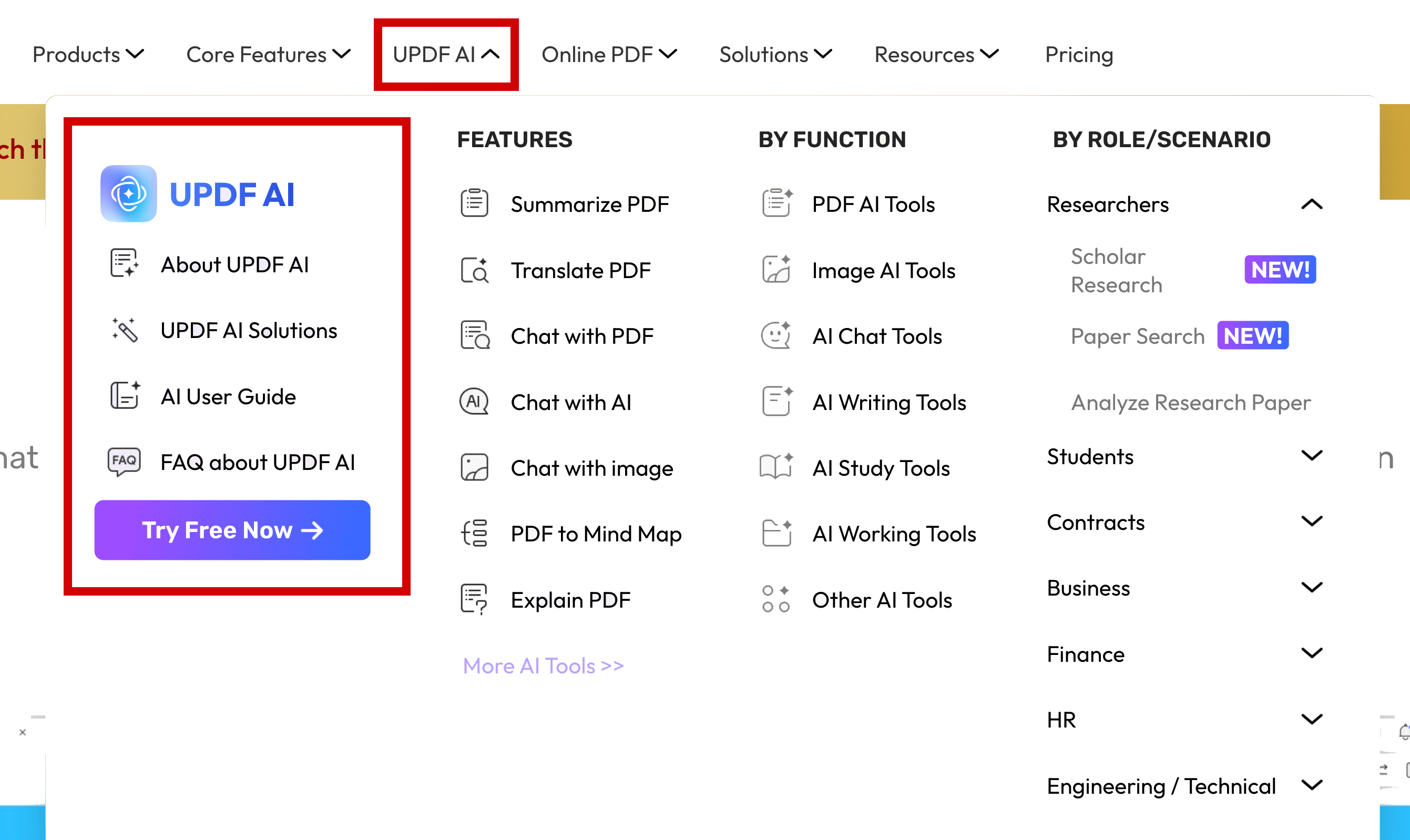
How to Summarize PDF with UPDF

Use the UPDF AI (no downloading required) after you create your account. This screenshot may help.
How to Create a Video Using Colossyan

Step 1: Access and Save Your Complete Activity Report

  • Navigate to Moodle and access the "Complete Report" of all your forum posts. Make sure you're in AI for ELT not anywhere else.
Completion requirements:
  • Receive a grade
  • Receive a passing grade

Log in to continue

Only logged in users can post to this forum.

Contact us

You are currently using guest access (Log in)
Data retention summary
Get the mobile app
Get the mobile app
Play Store App Store
Powered by Moodle

This theme was proudly developed by

Conecti.me
✕

Join My YouTube Community

AI for educators, Moodle tips, and practical teaching strategies.

Visit Channel
Join our Community! 👋
Subscribe for Updates
About
About Integrating Technology