
In this activity, you will develop your course, its layout, and label each of the 6 sections with the help of the following AI tools.
AI Tools to Generate your Course Layout and Label the Topic Sections
Instructions
- Go into your course. You will find it by accessing My courses.
- Turn "Edit mode" on on the top right hand side of the course.
- Go into each section (three dots) and "Edit settings" .
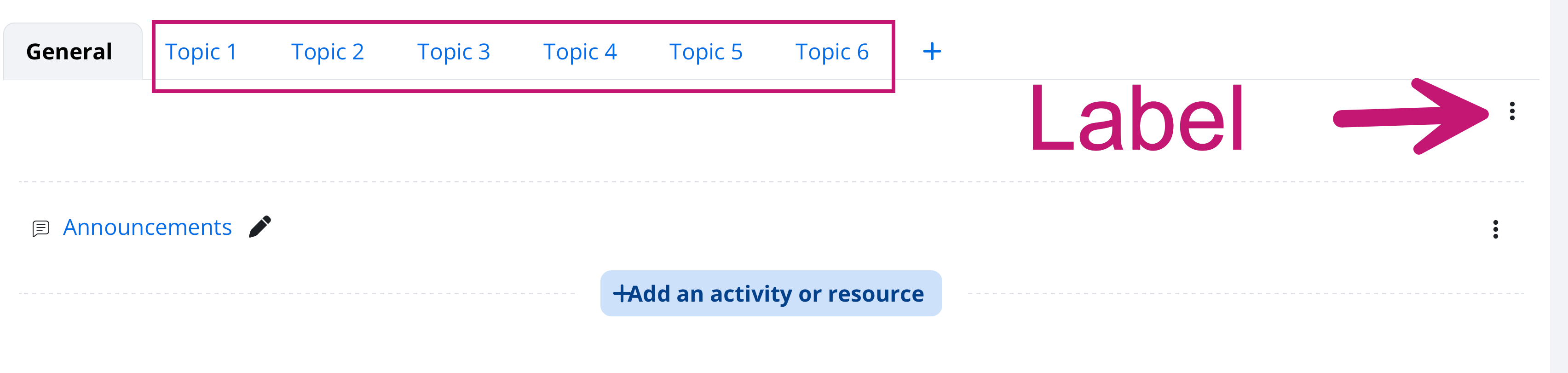
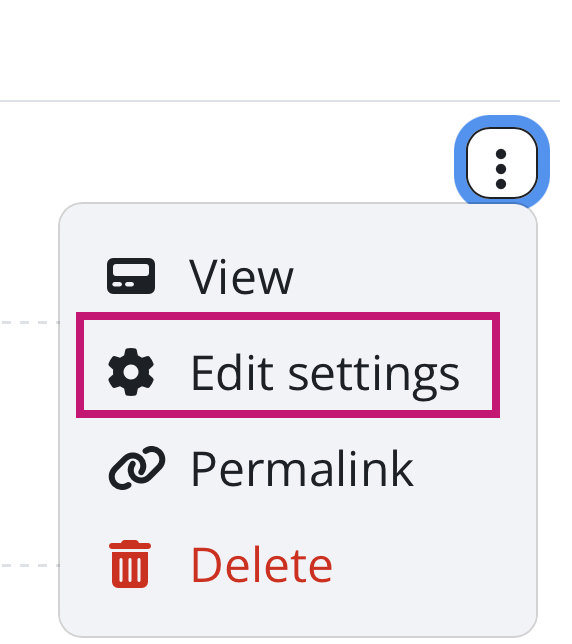
- Label the sections according to this format.
Week 1: Introduction
Week 2:
Week 3:
Week 4:
Week 5:
Week 6: Showcase and Reflect
- Share a screenshot of the labels of your course sections and the link to your course.