
Main content blocks
Section outline
-
About the Course
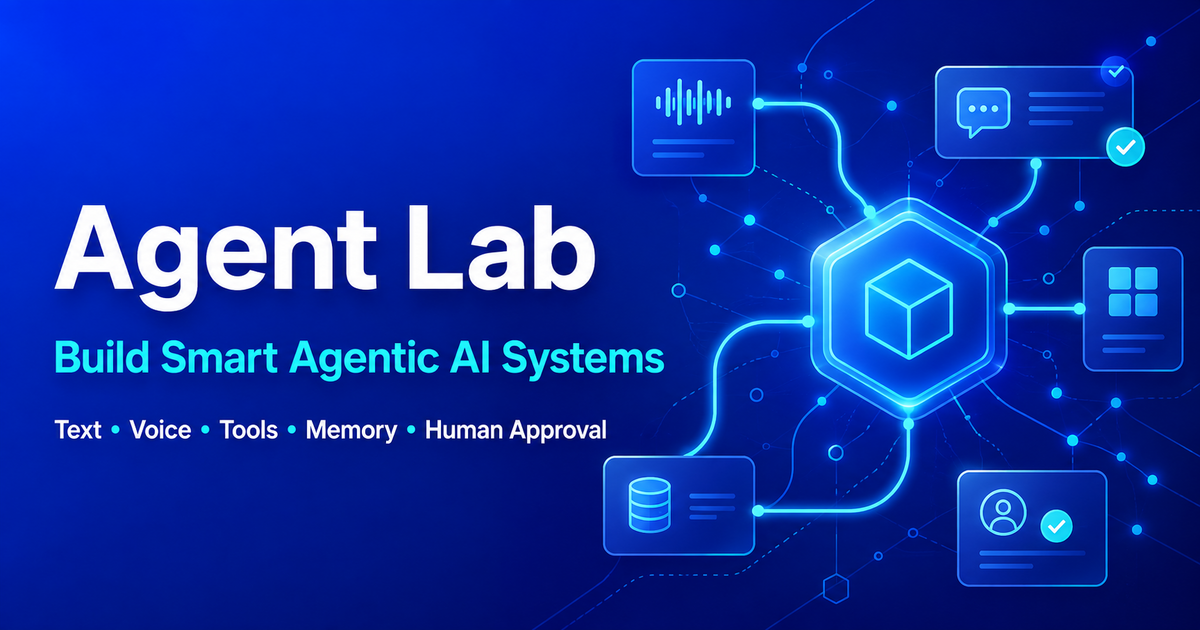
Create AI Agents is a four-week, hands-on, instructor-led online course designed to guide participants through designing, building, customizing, testing, and launching functional AI agents for instruction and learning. Educators and course creators work in their own server sandbox with a browser-based terminal as they explore practical agentic workflows, connect their agents to AI models, and develop smart AI assistants that provide ideas, suggestions, and active learning support with the help of AgentLab.
Participants do not need prior coding or programming experience. With the help of the AI Agent Lab Assistant, step-by-step guidance from me as their instructor, and ongoing support in the course discussion and support forums, participants are supported throughout the learning process. The AI Agent Lab Assistant provides commands and instructions one step at a time, helps participants understand what they are doing, and assists them in identifying and resolving problems as they build their agents. I am also available throughout the course to provide guidance, feedback, clarification, and support as participants develop their own AI agents.
By the end of the course, participants migrate their working agents from the temporary course sandbox to their own Cloudflare account, where they can continue developing, sharing, and using them independently.
Week 1: Introductions
Participants begin by getting to know one another and becoming familiar with the course environment, expectations, and four-week learning journey. They introduce themselves, share their experiences and interests, and prepare for the hands-on work of building AI agentic agents.
Each participant receives an individual server sandbox that includes a browser-based terminal and the tools required to build an AI agent. With the help of the AI Agent Lab Assistant and support from me in the course forums, participants begin planning their agent by deciding what they want it to do and defining its purpose and instructions.
Week 2: Build Your AI Agent
Participants begin hands-on development in their assigned server sandbox. With the help of the AI Agent Lab Assistant and ongoing support from me in the course forums, they learn essential terminal commands as they need them, create their agent definition, securely set up their Gemini API key, and test the connection to the AI model. Participants are guided through the process one step at a time, so prior coding experience is not required.
Participants build and test a Python terminal agent and develop it into a multi-turn conversational agent. They then create a browser-based version using
index.htmland a protected server-side backend, with the API key stored securely outsidepublic_html. They test their public sandbox agent through several conversational turns and troubleshoot any problems with guidance from the AI Agent Lab Assistant and support from me.Week 3: Make Your AI Agent Agentic
Participants build on their working Week 2 agent by adding agentic capabilities appropriate to its purpose. With the help of the AI Agent Lab Assistant and support from me in the course forums, they explore memory and context, decision making, tools and actions, multi-step workflows, stopping conditions, error recovery, human approval, and other capabilities that enable their agents to work toward defined goals.
Through guided hands-on experimentation, participants customize and test these capabilities without needing to program everything themselves. Each capability is added because it contributes meaningfully to what their agent is designed to accomplish.
Week 4: Migrate, Showcase and Reflect
Participants migrate the same working AI agents they developed during the course from their temporary course server sandboxes to their own Cloudflare accounts, where they can continue using and developing them independently. With the help of the AI Agent Lab Assistant and support from me in the course forums, participants are guided through deploying their agents, securely storing their Gemini API keys as Cloudflare Secrets, and testing their agents at their new public
workers.devaddresses.Participants compare and test their migrated agents to make sure their purpose, instructions, behavior, and important agentic capabilities have been preserved. They then showcase their working AI agents and share their experiences with other course participants.
Participants reflect on what they learned, the challenges they encountered, how they addressed problems, and how their understanding developed through hands-on practice. They also consider how they might continue developing, sharing, and applying their AI agents after the course.